
The Dell Precision 7920 Rack Workstation Quick Start Guide covers installing the system, connecting the keyboard, mouse, and display, connecting the system to a power source and securing it in the retention clip, connecting the network cable, and turning on the system.
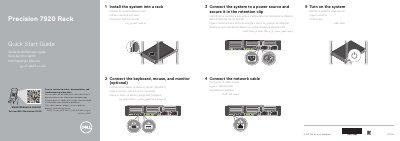
This guide walks you through installing the system into a rack, connecting peripherals, and powering it on. It also details front panel components including ports, drives, and system identification features. The document is multilingual, supporting installation in multiple languages including English, French, Spanish, Turkish, and Arabic.
| Regulatory model | E38S |
|---|---|
| Regulatory type | E38S001 |
| Computer model | Precision 7920 Rack |
Install the system into a rack by following the steps in the guide.
The front panel includes USB 3.0, USB 2.0, VGA, network, serial, and PCIe expansion card slots.