
This is an instruction manual for ICT180S-12I intelligent model with remote monitoring
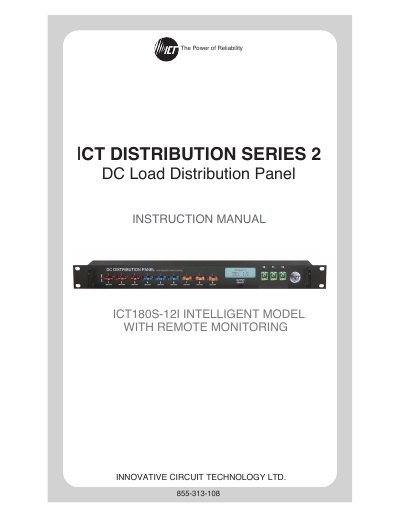
The ICT180S-12I Intelligent Distribution Panel is a 1RU DC load distribution panel for 12 or 24 VDC applications. It has 12 output positions protected by blade fuses: nine ATO/ATC outputs rated up to 25 A each and three JCASE outputs rated up to 40 A each. Five alarm inputs are provided for external dry contact sensors, and Form C alarm contacts can connect to an external alarm circuit.
System voltage, current, output currents, fuse status and alarm input status can be viewed on the LCD. Remote monitoring is available through an Ethernet port and a built-in web server with a web-based configuration utility. The manual covers installation, LCD and button operation, web configuration pages, mobile web app, alarm notifications, password reset, router configuration, troubleshooting and specifications.
| DC application voltage | 12 or 24 VDC |
|---|---|
| Output positions | 12 |
| ATO/ATC fuse outputs | 9 outputs, up to 25 A each |
| JCASE fuse outputs | 3 outputs, up to 40 A each |
| Input stud rating | 180 A peak, 150 A continuous |
| Alarm inputs | 5 dry-contact sensor inputs |
| Enclosure | 1RU |
| Event data logging | Up to 30 days of time-stamped events |
| Ethernet cable | Cat5e UTP network cable |
It is a 12/24 VDC intelligent distribution panel with 12 individually fused output positions.
Nine outputs use ATO/ATC blade fuses rated up to 25 A each, and three outputs use JCASE fuses rated up to 40 A each.
Five external dry contact sensors can be connected to the alarm inputs on the back of the panel.
Hold the Output Select button for 20 seconds at any screen to reset the password.