
Instruction manual for the ICT180-12BRC/ICT180-12BRCP broadband distribution panel with remote power control, covering installation, operation, and maintenance.
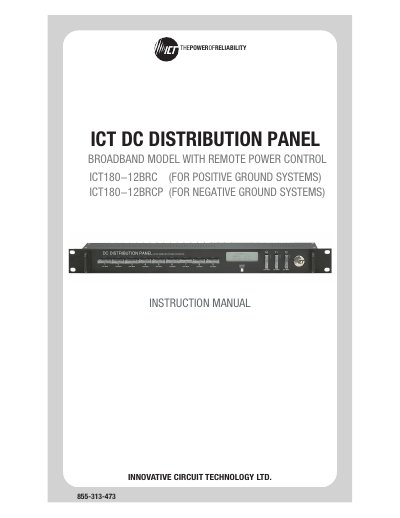
The ICT180-12BRC (positive‑ground) and ICT180-12BRCP (negative‑ground) broadband distribution panels provide twelve individually fused DC output positions, LCD status display, Ethernet‑based remote monitoring, and form‑C alarm contacts. The manual explains safety warnings, mechanical installation, wiring, fuse replacement, and grounding procedures.
The document also details the web‑based configuration utility, password reset, router configuration, text‑message alarm notifications, troubleshooting steps, and product specifications. A limited three‑year warranty is included at the end of the manual.
| Operating Voltage | -10 to -60 VDC (BRC) / +10 to +60 VDC (BRCP) |
|---|---|
| Panel Capacity | 150 A continuous, 180 A peak |
| Fuse Capacity | 15 A per fuse, 12 fuses |
| Power Consumption | 2.5 W |
| Dimensions | 19.0" × 9.29" × 1.75" (483 mm × 236 mm × 45 mm) |
Hold the Output Select button for 20 seconds on any screen to reset the password to its factory default.
Use a Cat5e UTP network cable for the Ethernet connection.