
This white paper introduces Huawei's smart home products and solutions. Huawei smart home is based on Huawei HiLink platform, and integrates Huawei's own advantages and resources of ecosystem partners, to provide consumers with one-stop, intelligent smart home experience.
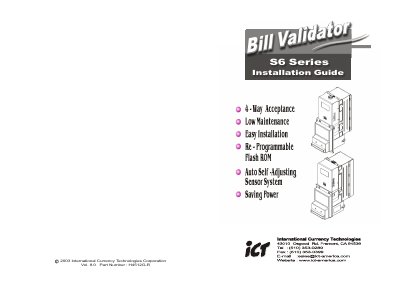
The S6 bill validator is a 4‑way acceptance, high‑speed currency handling device with front and back LED indicators that show operational status, readiness and error conditions. It operates on a 12 V DC supply (9‑15 V acceptable) and works within –10 °C to 50 °C (storage –30 °C to 70 °C) and 30 %–85 % RH.
The guide provides step‑by‑step installation instructions, including the 30‑pin peripheral connector, 8‑pin RJ‑45 programming port, and detailed pin‑out tables for MDB and service‑pulse interfaces. It also explains the service signals for normal operation and ICA‑only mode, as well as switch settings and cable ordering information.
| Acceptance Rate | 96% or greater |
|---|---|
| Bill Acceptance Time | Approx. 3 seconds per bill |
| Power Input Voltage | 12 V DC ±10% (9 V‑15 V) |
| Operating Temperature | -10 °C to 50 °C |
| Storage Temperature | -30 °C to 70 °C |
| Humidity Range | 30 %–85 % RH (no condensation) |
| Bill Capacity | 500 bills (standard), up to 800 bills |
The validator requires a 12 V DC supply; it will operate between 9 V and 15 V, but lower than 9 V may shut it down and higher than 15 V may damage it.
The front LEDs flash on and off to show when the unit is ready to accept bills, and stay off when the validator is disabled, out of service, or in power‑saving mode.
An 8‑pin RJ‑45 connector on the side of the unit is used for downloading programs and updating validation software.
The validator processes a bill in approximately three seconds, including the stacking time.