
This user manual describes the screen layout, keyboard functions, and Chinese input methods for the ICT PDA Simulator software.
The document provides an overview of the PDA Simulator, which implements basic word processing functions including English typing and Chinese character input using a Full-Length PinYing code. It supports a Unicode-CJK character set with over 25,000 characters and includes context-based phrase association to accelerate input.
The device supports the Unicode e-CJK character set, which contains more than 25000 characters.
The simulator contains 27856 Chinese phrases, including double-word and triple-word combinations.
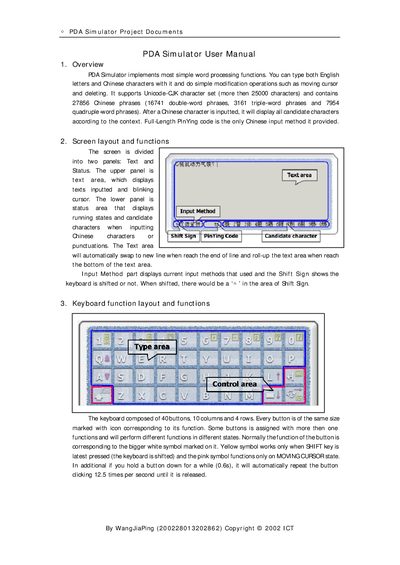
The keyboard is composed of 40 buttons arranged in 10 columns and 4 rows.
Holding a button down automatically repeats the click at 12.5 times per second until it is released.