
This document is about the technical specifications of a product. It introduces the function and features of the product.
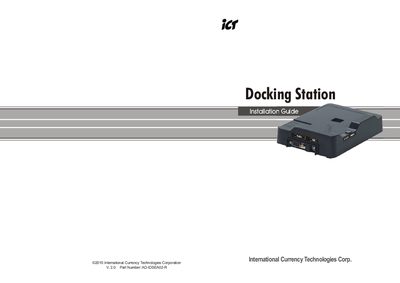
The guide provides step‑by‑step instructions for installing the required drivers, connecting the docking station via USB or RS‑232, and configuring system settings. It also covers user account management, security setup, and bill‑box configuration.
Key functions such as COM port setup, bill‑box naming, data reading, and routine maintenance procedures are described, with screenshots and default credentials to help users quickly get the device operational.
| Operation Temperature | 0°C~50°C |
|---|---|
| Storage Temperature | -30°C~70°C |
| Humidity | 30%~95%RH (no condensation) |
| Reader Baud Rate | 9600 |
Install the three driver files: BDE Driver, USB Driver, and Docking Station Tool before operating the device.
Use a soft, dry cloth or mild non‑abrasive soap water; avoid organic solvents, alcohol, or volatile liquids.