
This quick start guide introduces the contents of the AmpliFi HD Gamer's Edition package, hardware components, installation methods, and warranty terms.
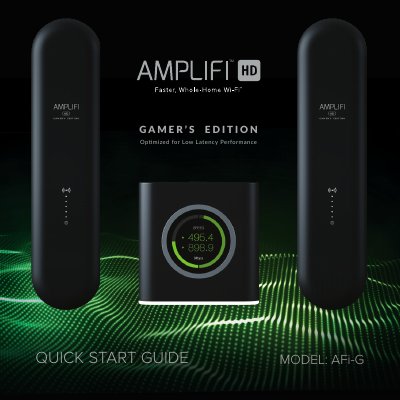
This Quick Start Guide is designed to assist users with the installation and setup of the AmpliFi HD Gamer's Edition router. The document covers package contents, hardware features including the touchscreen display and LED indicators, and provides step-by-step instructions for installation using the AmpliFi app or a computer.
| Max. TX Power | 26 dBm |
|---|---|
| Radios | 6 MIMO Chains |
| Speed | 5.25 Gbps |
| Range | 20,000 sq. ft |
| Display | 1.6" (40.6 mm) Diagonal, 240 x 240, 212 ppi, G+F Touch, Full Color |
| Wi‑Fi Standard | 802.11ac |
| Operating Temperature | 14 to 131° F (‑10 to 55° C) |
| Operating Humidity | 5 to 95% Noncondensing |
| Wireless Security | WPA2‑PSK AES/TKIP |
You can install it using the AmpliFi app for iPhone or Android, or by connecting to the default AmpliFi wireless network from a computer or tablet.
The maximum transmission power is 26 dBm.
The router has a total speed of 5.25 Gbps.