
Quick start guide for Ubiquiti Networks EdgeRouter PRO ERPro-8, covering installation, hardware, LED status, SFP ports, and accessing EdgeOS.
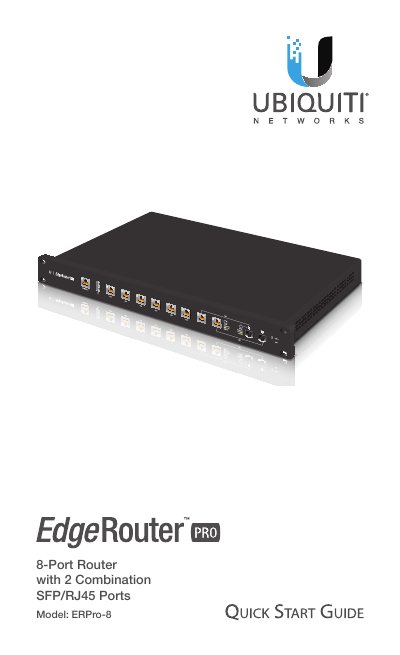
This guide helps you install and configure the Ubiquiti Networks EdgeRouter PRO ERPro-8. It covers hardware overview, LED indicators, SFP port usage, and accessing the EdgeOS configuration interface via web browser. The router features 8 RJ45 ports and 2 hot-swappable SFP ports, with support for 10/100/1000 Ethernet and fiber connections.
Installation requires connecting power, mounting the device, and connecting an Ethernet cable to eth0. Access the web interface at https://192.168.1.1 using credentials 'ubnt' for login. The guide also includes reset procedures and compliance certifications.
| Dimensions | 484 x 164 x 44 mm (19.06 x 6.46 x 1.73") |
|---|---|
| Weight | 2.3 kg (5.07 lb) |
| Max. Power Consumption | 40 W |
| Processor | Dual-Core 1 GHz, MIPS64 with Hardware Acceleration for Packet Processing |
| System Memory | 2 GB DDR3 RAM |
| Code Storage | 4 GB |
| Operating Temperature | -10 to 45° C (14 to 113° F) |
| Operating Humidity | 10 - 90% Noncondensing |
| Power Method | 110 - 240VAC |
| Power Supply | Internal AC/DC Power Adapter, 60 W (24V, 2.5A) |
The SFP port becomes active, and the corresponding RJ45 port is deactivated.
Press and hold the Reset button for 10 seconds until the right LED on RJ45 port eth7 starts flashing and becomes solidly lit. The device will reboot automatically.
Use Category 5 (or above) UTP cabling approved for indoor use.