
Quick start guide for installing the Ubiquiti Networks AMO-5G10 5 GHz 2x2 Dual Polarity MIMO Omni Antenna.
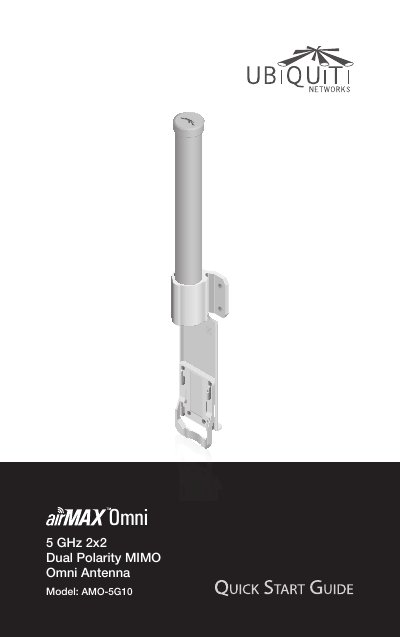
This guide walks you through installing the AMO-5G10 antenna, including hardware assembly and safety notices. It covers package contents, mounting steps, and specifications. The antenna is designed for use with RocketM5 or RocketM5 GPS equipment and requires shielded Ethernet cabling. Safety warnings include avoiding use in submerged locations or during electrical storms.
| Dimensions | 582 x 90 x 65 mm |
|---|---|
| Weight | 0.68 kg (Mount Included) |
| Frequency | 5.45 - 5.85 GHz |
| Gain | 10 dBi |
| Elevation Beamwidth | 12° |
| Electrical Downtilt | 4° |
| Max. VSWR | 1.6:1 |
| Wind Survivability | 125 mph |
| Wind Loading | 10 lbf @ 100 mph |
| Polarization | Dual Linear |
| Cross-Pol Isolation | 25 dB |
| Mounting | Universal Pole Mount, RocketM Bracket, and Weatherproof RF Jumpers Included |
The package includes the antenna, quick start guide, pole clamps, carriage bolts, flange nuts, and RF cables.
You need a RocketM5 or RocketM5 GPS, a 13 mm wrench, and shielded Category 5 or above Ethernet cabling.
The warranty is one year from the date of shipment, covering defects in material and workmanship.