
Quick Start Guide for the Ubiquiti Networks US-8-60W 8-Port Managed Gigabit Switch with 802.3af PoE, covering installation, system requirements, and…
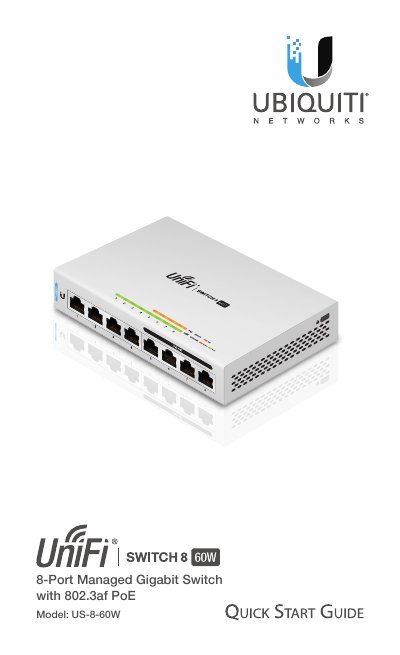
This document serves as a Quick Start Guide for the Ubiquiti Networks US-8-60W 8-Port Managed Gigabit Switch. It provides essential information for initial setup, including package contents, system requirements, and network topology specifications. The guide details the hardware features, such as the front and back panel ports, LED indicators, and reset button functions.
| Dimensions | 148 x 99.5 x 30.7 mm |
|---|---|
| Weight | 432 g |
| Networking Interfaces | 8 x 10/100/1000 Mbps RJ45 Ports |
| PoE Interfaces | 4 x IEEE 802.3af Ports |
| Power Consumption | 12W |
| Max PoE Wattage per Port | 15.4W |
| Operating Temperature | -5 to 45° C |
The system requires UniFi Controller software v5.3.x (or newer).
Press and hold the Reset button for more than five seconds.
No, the US-8-60W must not be stacked.