
This document introduces the user manual of ICT Time Sheet application, including the flow of creating and submitting overtime claims.
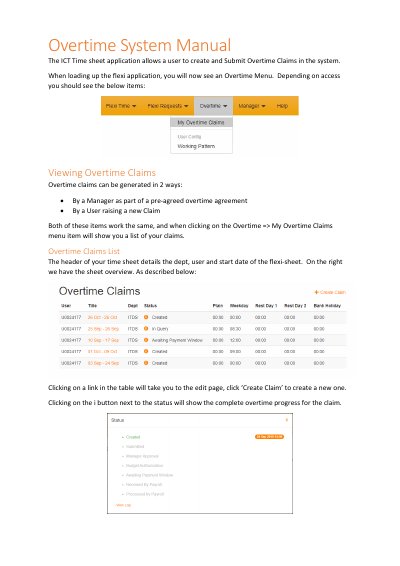
This manual explains how to create, edit, and manage overtime claims within the ICT Time Sheet application. Users can view existing claims, add days and hours, and adjust claim headers. It also covers setting working patterns for accurate overtime calculations.
The system supports both managers and users in submitting claims, with features like calendar views for adding days and automatic hour calculations based on time-in and time-out fields.
No, adding a single day multiple times is not allowed. Any duplicate days will not be added to the claim.
It allows a user to create and submit overtime claims.
By clicking on the Overtime => My Overtime Claims menu item.
Double time for Saturday and time and a half for Sunday.