
This manual introduces the basic operating methods and precautions of the Defender 500 series gas flow standard calibrator.
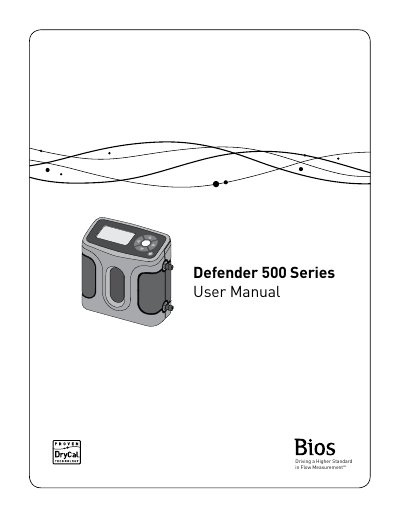
The Defender 500 Series is a portable, rugged gas flow calibrator with DryCal® technology, offering ±1% volumetric accuracy. It’s designed for field calibration of air sampling pumps in suction or pressure applications. The unit features an LCD display, touch pad controls, and an internal lead-acid battery that can be charged continuously. The Defender 520 model includes integrated temperature and pressure sensors for enhanced audit trails. The manual covers setup, operation, software use, and quick-start calibration procedures.
| Accuracy | +1% of reading volumetric accuracy |
|---|---|
| Flow Range (Defender 520) | 50-5,000 mL/min |
| Battery Type | Internal lead-acid battery |
| Battery Charging | Can be charged continuously while in use |
It offers ±1% of reading volumetric accuracy.
It includes integrated temperature and pressure sensors for enhanced audit trails.
Connect the Defender’s data port to your PC’s RS-232 port using the included cable. The software displays real-time calibration data, averages, and graphs. For the Defender 520, it also shows ambient temperature and pressure.