
This is a wireless mouse manual, including brand name, model number and product functions
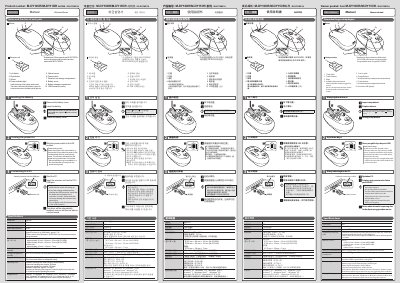
This manual provides instructions for the ELECOM M-DY10DR and M-DY11DR wireless mice. It details the functions of the mouse parts, including the optical sensor and power switch, and explains how to replace batteries and connect the receiver to a PC. The document notes that the illustrations are based on the M-DY11DR model, but all names and functions are the same for the M-DY10DR.
| Operating distance (non-magnetic) | approx. 10m |
|---|---|
| Operating distance (magnetic surface) | approx. 3 mm |
| Supported batteries | AAA alkaline, AAA manganese, AAA rechargeable |
The base of the wheel illuminates green for a few seconds to indicate it is time for battery replacement.
The estimated continuous operating time is approximately 94 hours.