
This is a manual for USB3.2(Gen1) Flash Memory MF-SLU3xxx Series. It explains how to use this product safely and how to connect it.
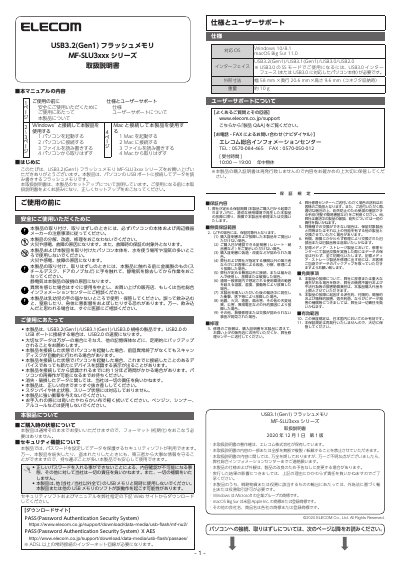
This manual guides users on connecting and using the ELECOM MF-SLU3xxx Series USB3.2(Gen1) flash memory with Windows or macOS. It includes safety precautions, OS compatibility details, and instructions for file operations. The device supports USB3.2(Gen1)/USB3.1(Gen1)/USB3.0/USB2.0 standards and comes with built-in password protection for data security.
Support resources include a dedicated website for downloads and a customer service center with phone and fax support available daily from 10:00 to 19:00. This manual is written in Japanese.
| Interface | USB3.2(Gen1)/USB3.1(Gen1)/USB3.0/USB2.0 |
|---|---|
| Dimensions | 58 mm x 20.6 mm x 9.6 mm (connector retracted) |
| Weight | Approx. 10g |
| Supported OS | Windows 10/8.1, macOS Big Sur 11.0 |
It supports Windows 10/8.1 and macOS Big Sur 11.0.
Yes, but it will operate at USB2.0 speeds.
It includes password protection software to secure your data.