
The manual provides instructions on how to use a weight scale, including how to install batteries, measure body composition, measure weight, use soft floors such as carpet, and about USB charging.
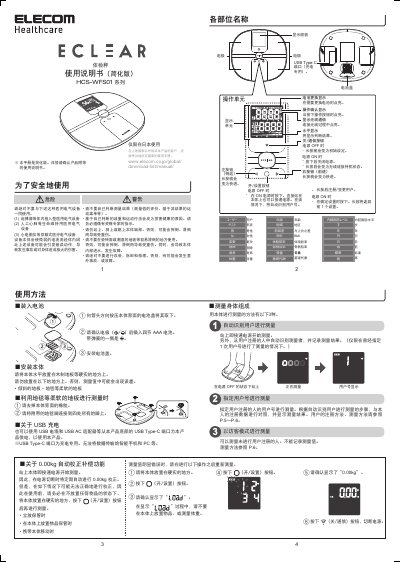
This document is a simplified user manual for the ELECOM HCS-WFS01 series body composition scale, intended for use in Japan. It provides instructions on battery installation, basic measurement procedures, and how to register users to track body composition data over time. The manual also details the process for connecting the scale to a smartphone via Wi-Fi using the ECLEAR APP to analyze results. This manual is written in Japanese.
| Product Series | HCS-WFS01 Series |
|---|---|
| Wi-Fi Standard | 802.11b/g/n |
| Compatible App | ECLEAR APP |
Yes, you can measure without registering a user, but the results will not be recorded. This is referred to as 'Visiting Mode'.
Connect your smartphone to a Wi-Fi network, download the ECLEAR APP, scan the QR code on the bottom of the scale, and follow the app prompts.
Check if you moved during measurement, if your feet were dirty, or if you were wearing socks. Also ensure the floor is hard and not tilted.