
Kyocera ECOSYS P6230cdn Printer Operation Guide

This is a Kyocera ECOSYS P6230cdn printer user manual.
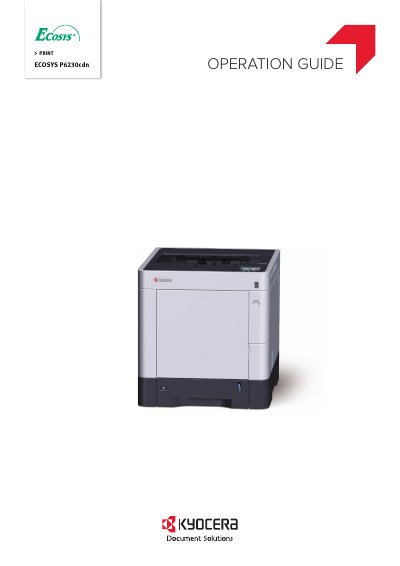

Kyocera ECOSYS P6230cdn Printer Operation Guide - cover page
Brand
Kyocera
Category
Printer
Document type
User Manual
Language
English
Pages
257
File format
PDF
File size
8.1 MB
Published
17 October, 2023
Updated
17 October, 2023
MD5 checksum
A20517BFF274FC27F351902B330BC652

About this manual

This Operation Guide is intended to help users operate the Kyocera ECOSYS P6230cdn printer correctly, perform routine maintenance, and take simple troubleshooting measures. It covers installation, network setup, and the use of various functions such as Custom Boxes and Energy Saver modes. The guide also provides instructions for loading paper, printing from a PC, and managing user authentication and job accounting.

What's inside

  • Preface
  • Legal and Safety Information
  • Installing and Setting up the Machine
  • Preparation before Use
  • Printing from PC
  • Operation on the Machine
  • Using Various Functions
  • Setup and Registration
  • User Authentication and Accounting
  • Troubleshooting

Specifications

Product NameECOSYS P6230cdn

Frequently asked questions

What is the recommended toner?

We recommend using genuine Kyocera toner containers to maintain quality and avoid machine failure.

Where is the equipment serial number located?

The serial number is printed in a specific location on the machine, shown in the figure on the preface page.

What is the purpose of the Custom Box function?

You can save frequently used documents in the machine and print them when needed.

Download PDF (8.1 MB)

More Kyocera Manuals


View all Kyocera manuals →