
Introduces the operation methods, routine maintenance and troubleshooting of ECOSYS P3045dn, ECOSYS P3050dn, ECOSYS P3055dn, ECOSYS P3060dn
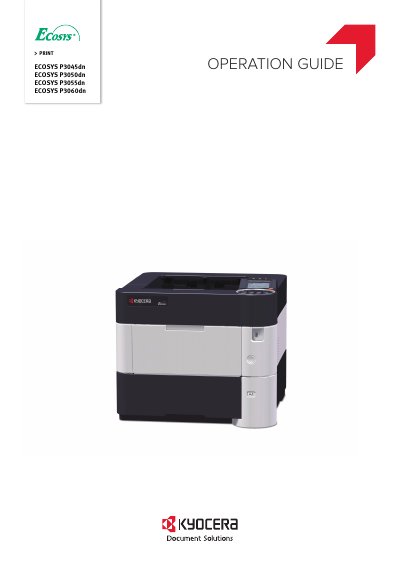
This Operation Guide provides instructions for operating the Kyocera ECOSYS P3045dn, P3050dn, P3055dn, and P3060dn printers. It covers essential procedures such as loading paper, performing basic print operations, and accessing the operation panel menu system to configure settings.
| Emulation Mode | PCL |
|---|
The printer is factory-set to emulate the PCL.
The serial number is printed on the rear side of the printer in some regions, or in the location shown in the figure on the front.