
This is an operation guide for ECOSYS P6130cdn. It introduces the product's features, installation and setup, maintenance, and troubleshooting.
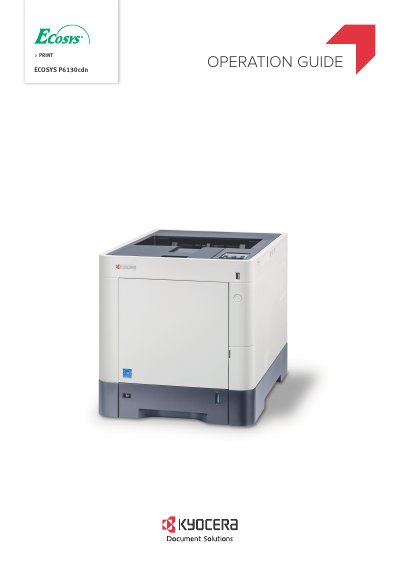
This Operation Guide is intended to help users operate the Kyocera ECOSYS P6130cdn correctly, perform routine maintenance, and take simple troubleshooting measures. It covers essential topics such as installing the machine, connecting cables, using the operation panel, and managing network settings.
The document details various machine features including the Energy Saver function, EcoPrint mode for toner saving, and security options like Card Authentication and Command Center RX. It also provides instructions for loading paper, printing from various sources, and performing regular maintenance tasks like cleaning and replacing the waste toner box.
| Product Name | ECOSYS P6130cdn |
|---|
It is intended to help you operate the machine correctly, perform routine maintenance, and take simple troubleshooting measures.
Yes, in an environment where wireless LAN is used, you can install the machine without concerning network cables.
Yes, you can log in simply by touching an ID card without entering the administrator name and password.