
This is a user manual for KYOCERA SmartScan software, which introduces the software installation, usage and related settings.
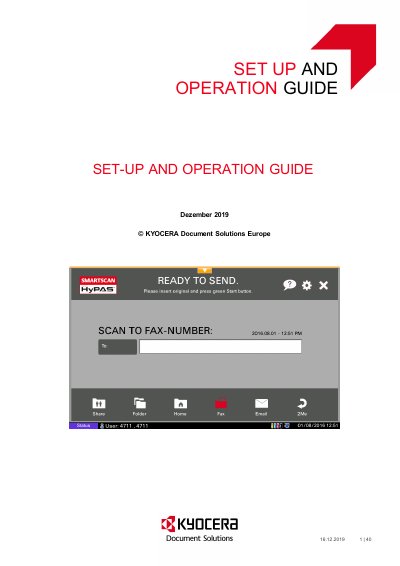
This manual provides step-by-step instructions for installing and configuring SmartScan 1.6.78 on KYOCERA multifunction printers. It covers administrative setup, user interface navigation, and scanning options including email, fax, and folder destinations. The guide also explains how to manage address books, define default settings, and activate the application.
The document includes updates for each version of SmartScan, from 1.5 to 1.6.78, detailing new features like LDAP support, PDF/A compatibility, and remote configuration via Command Center. It is intended for administrators and technicians managing multifunction devices with HyPAS API support.
| Supported Devices | HyPAS-enabled and HyPAS-capable KYOCERA MFPs including TASKalfa and ECOSYS models |
|---|---|
| Version | SmartScan 1.6.78 |
| Installation Method | Install via USB flash drive using pkg file |
| Activation | Enter license number or use trial period (30 days, 3 trials) |
Logged-in users can access Scan2Me and Scan to folder with one click.
The address book is accessible from the application’s main interface or via local/external LDAP settings.
Ensure you are logged in as an administrator and follow the activation steps correctly.