
Kyocera ECOSYS P6230cdn Printer Initial Steps Quick Guide

This is a user guide that explains how to use the Toshiba ECOSYS P6230cdn printer's initial steps
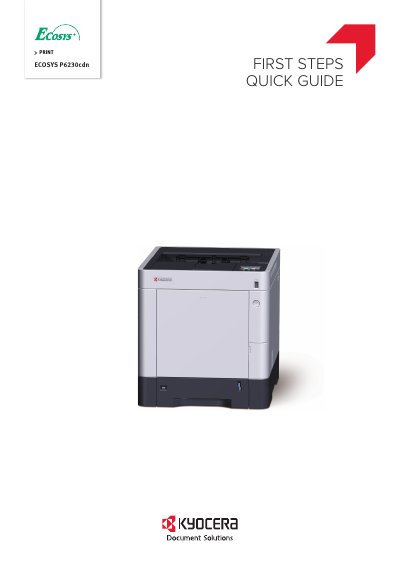

Kyocera ECOSYS P6230cdn Printer Initial Steps Quick Guide - cover page
Brand
Kyocera
Category
Printer
Document type
Quick Start Guide
Language
English
Pages
36
File format
PDF
File size
6.9 MB
Published
17 October, 2023
Updated
17 October, 2023
MD5 checksum
E613F2D96E2288DDEC4ABE64A5C499B7

About this manual

This quick guide explains the basic setup steps for the Kyocera ECOSYS P6230cdn printer, including unpacking, loading paper, and powering on. It also notes that detailed operation instructions are available in the separate Operation Guide (B) on the Product Library disc.

The guide is multilingual, providing instructions in multiple languages including English, Spanish, French, German, and others, to assist users from different regions.

What's inside

  • Unpacking
  • Loading Paper
  • Power On
  • Network Connection
  • Toner Container Setup
  • Product Library Disc

Frequently asked questions

What does this guide explain about the machine?

This guide only explains the basic operations of the machine.

Where can I find information about components included with the printer?

The included components differ depending on the countries or regions.

What network connection speeds does the HD Connect Cable support?

The cable supports 10Base-T, 100Base-TX, and 1000Base-T connections.

Download PDF (6.9 MB)

More Kyocera Manuals


View all Kyocera manuals →