
This is an operation guide for a printer, which contains instructions on how to use the printer, precautions and troubleshooting.
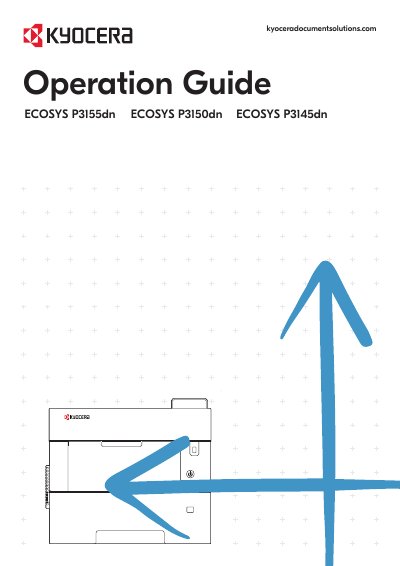
This guide provides step-by-step instructions for operating Kyocera ECOSYS P3155dn, P3150dn, and P3145dn printers. It covers installation, network setup, printing from PC and USB, job management, security settings, and maintenance. The guide also explains features like EcoPrint, Duplex, Quiet Mode, and wireless connectivity. Safety and legal information are included for proper use and compliance.
The Energy Saver function automatically switches the machine into Sleep Mode to save energy.
You can use the EcoPrint function to save toner consumption when a high-quality print is not required.
You can make the machine quiet by reducing its running noise.