
This Operation Guide is intended to help you operate the machine correctly, perform routine maintenance, and take simple troubleshooting measures as needed so that the machine can always be used in the optimum condition.
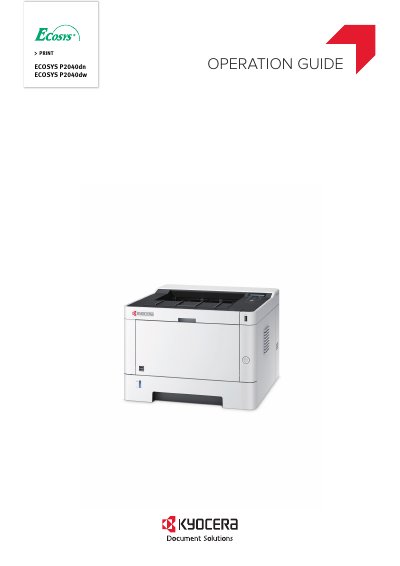
This guide helps users operate the Kyocera ECOSYS P2040dn and P2040dw printers correctly, perform routine maintenance, and handle simple troubleshooting. It includes instructions for installation, network setup, printing from PC and handheld devices, user authentication, and maintenance tasks like cleaning and toner replacement. The guide also covers security settings and optional equipment.
The printer supports energy-saving features, wireless connectivity, and functions like EcoPrint and Private Print to reduce costs and enhance security.
This function allows you to save toner consumption when high-quality print is not required, such as for trial print runs or internal confirmation documents.
The machine automatically switches into Sleep Mode to save energy, and it also supports printing multiple originals onto one sheet.
The Private Print function allows you to temporarily save a printer document in the machine so that printing it from the machine prevents someone from taking your document.