
This is a printer manual. It describes how to load paper, perform basic print operations, and troubleshoot.
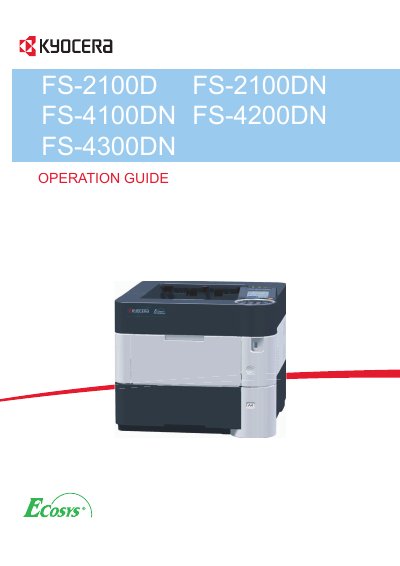
This Operation Guide provides step-by-step instructions for operating the Kyocera printer models FS-2100D, FS-2100DN, FS-4100DN, FS-4200DN, and FS-4300DN. It covers installation, safety precautions, basic printing, maintenance, and troubleshooting. The guide also includes information on software, network settings, security features, and optional accessories. Safety warnings and symbols are included to ensure safe operation and prevent damage to the machine or injury to the user.
This Operation Guide is for models FS-2100D, FS-2100DN, FS-4100DN, FS-4200DN and FS-4300DN.
It is intended to help you operate the machine correctly, perform routine maintenance and take a simple troubleshooting action as necessary.
Be sure to read the Safety Guide before using the machine.
The printer is factory-set to emulate the PCL or KPDL.