
Introduces the product features and usage methods of Ubiquiti Networks airGrid M2 HP antenna.
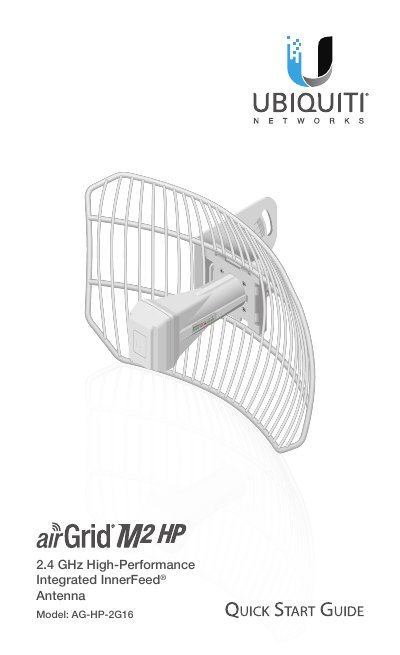
This document is a Quick Start Guide for the Ubiquiti Networks airGrid M2 HP, model AG-HP-2G16. It provides instructions for assembling the antenna, mounting it to a pole, and connecting it to power via a PoE adapter. The guide also includes information on LED signal thresholds and application examples for outdoor coverage.
| Frequency | 2412 - 2462 MHz |
|---|---|
| Gain | 16 dBi |
| Output Power | 28 dBm |
| Max. Power Consumption | 3W |
| Power Supply | 24V, 0.5A |
| Operating Temperature | -30 to 75° C |
| Wind Survivability | 200 km/h (125 mph) |
The LED lights green when the wireless signal strength is above -65 dBm.
The antenna has a wind survivability of 200 km/h (125 mph).
Shielded Category 5 (or above) cabling should be used for all wired Ethernet connections.