
Ubiquiti Networks® UniFi® AC In‑Wall Wi‑Fi Access Point installation guide, including installation requirements, system requirements, etc.
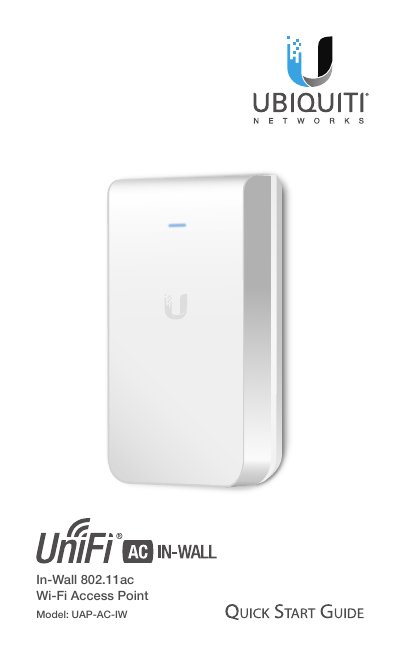
The Ubiquiti Networks UAP-AC-IW is an 802.11ac in-wall access point designed to be installed within a standard electrical wall box. The device requires power via PoE+ (802.3at) from a compatible UniFi Switch and supports data passthrough for connecting client devices directly through the unit.
| Dimensions | 139.7 x 86.7 x 25.75 mm (5.5 x 3.41 x 1.01") |
|---|---|
| Weight | 200 g (6.43 oz) |
| Networking Interface | 10/100/1000 Ethernet Ports |
| Power Method | 802.3at PoE+ |
| Operating Temperature | -10 to 50° C (14 to 122° F) |
UniFi Controller v5.4 or newer is recommended for managing the UAP-AC-IW.
The device requires a UniFi Switch with PoE (specifically 802.3at PoE+) and passive adapters are not recommended.
Press and hold the Reset button for more than five seconds.