
This is a UniFi Switch with SFP+ and SFP+ support, model US-48-500W and US-48-750W, from Ubiquiti Networks.
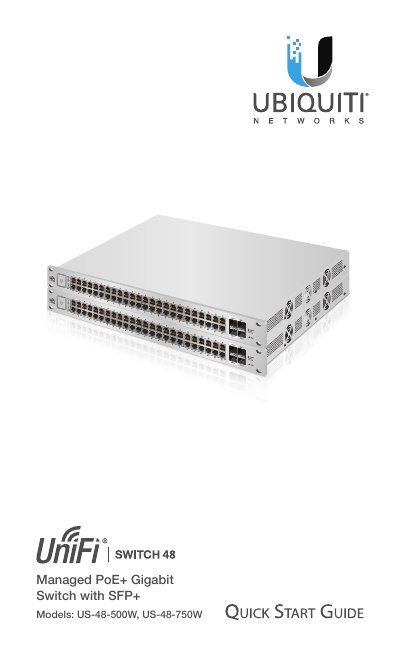
The document is a Quick Start Guide for the Ubiquiti Networks UniFi Switch with SFP+ (models US-48-500W and US-48-750W). It provides instructions on installing the hardware, connecting power and Ethernet cables, and accessing the configuration interface via the UniFi Controller software. The guide also includes a sample network diagram illustrating how to connect the switch with other UniFi devices like security gateways and access points.
| Dimensions (US-48-500W) | 485 x 43.7 x 374.6 mm |
|---|---|
| Total Non-Blocking Line Rate | 70 Gbps |
| Operating Temperature | -5 to 40° C |
| PoE Interfaces | POE+ IEEE 802.3af/at, 24VDC Passive PoE |
The management station requires Linux, Mac OS X, or Microsoft Windows 7/8 with Java Runtime Environment 1.6 (or above) and a compatible web browser.
Press and hold the Reset button for more than five seconds.
The maximum PoE+ wattage per port by PSE is 34.2W.