
Ubiquiti NanoBeam M5-19 is a high-performance wireless network device. It can be connected to a router and used outdoors, supports 2.4GHz and 5GHz frequencies, and has a maximum communication distance of 15km. It supports PoE power supply.
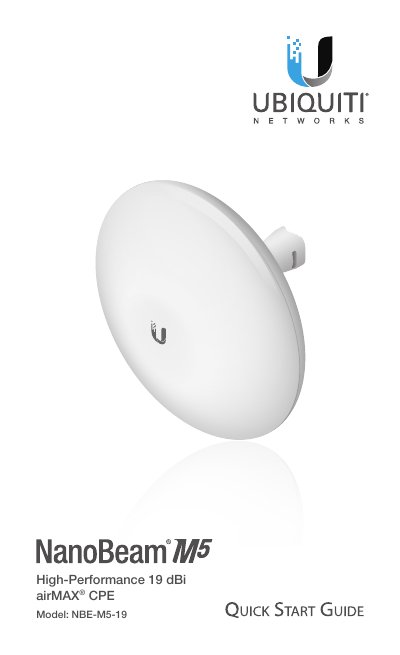
This document serves as a quick start guide for the Ubiquiti Networks NanoBeam M5-19 (Model NBE-M5-19), a high-performance airMAX® CPE designed for pole or wall mounting. It details the package contents, installation requirements, and hardware overview to assist users in setting up the device.
| Dimensions (Mount Included) | 189 x 189 x 125 mm (7.44 x 7.44 x 4.92 in) |
|---|---|
| Weight (Mount Included) | 530 g (18.7 oz) |
| Operating Frequency Worldwide | 5170 - 5875 MHz |
| Operating Frequency USA | 5725 - 5850 MHz |
| Gain | 19 dBi |
| Networking Interface | (1) 10/100 Ethernet Port |
| Max. Power Consumption | 8W |
| Power Supply Adapter | 24V, 0.5A PoE Adapter (Included) |
| Wind Survivability | 200 km/h (125 mph) |
| Operating Temperature | -40 to 70° C (-40 to 158° F) |
Press and hold the Reset button for more than 10 seconds while the device is powered on.
Yes, it must be mounted directly to a wood stud or other structurally stable surface.
Shielded Category 5 (or above) cabling should be used for all wired Ethernet connections.
Ensure the opening of the Ethernet cable is pointed towards the ground and aim the front of the device towards the other end of the link.