
Ubiquiti Networks® UniFi® 8-Port Managed Gigabit Switch with 802.3af PoE is a 8-port Gigabit Ethernet switch that supports 802.3af PoE power.
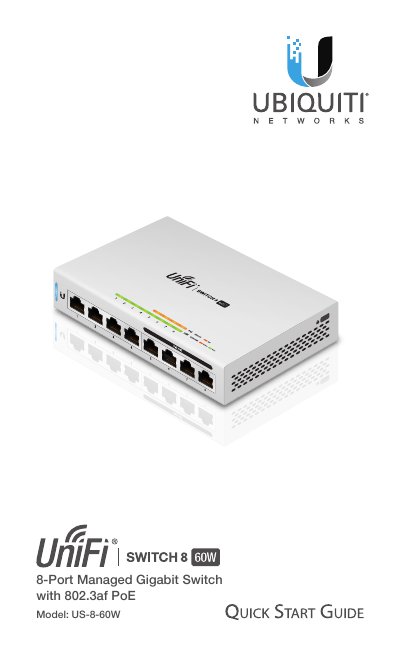
This document serves as a Quick Start Guide for the Ubiquiti Networks US-8-60W switch, covering package contents, system requirements, and network topology needs. It details how to mount the device on a wall or desktop and explains the functions of the front panel LEDs regarding PoE status and link activity.
| Dimensions | 148 x 99.5 x 30.7 mm (5.83 x 3.92 x 1.21") |
|---|---|
| Weight | 432 g (15.24 oz) |
| Networking Interfaces | (8) 10/100/1000 Mbps RJ45 Ports |
| PoE Output | IEEE 802.3af, Max. 15.4W per port |
| Power Consumption | 12W (Excluding PoE Output) |
| Operating Temperature | -5 to 45° C (23 to 113° F) |
You need a computer running Linux, Mac OS X, or Windows 7/8/10 with Java Runtime Environment 1.8 or above and a web browser like Google Chrome.
Press and hold the Reset button for more than five seconds.
No, the US-8-60W must not be stacked. Do not place it on top of another switch.