
FrSky TW R6 receiver is the new generation product in FrSky TWIN series radio, which adopts TW protocol and integrates two active 2.4G frequency bands at the same time. This receiver is designed for RC users who want to benefit from resilience and long-range in their radio communication.
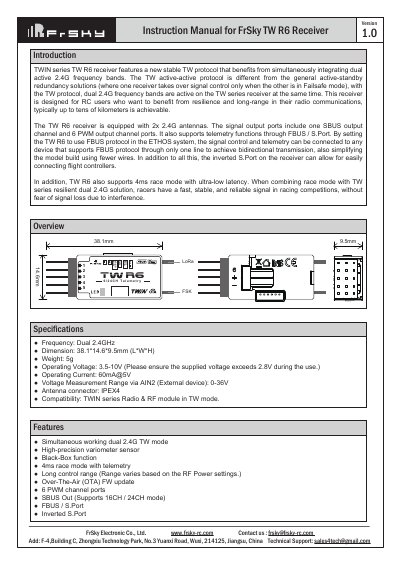
The FrSky TW R6 is a high-performance receiver designed for RC users requiring resilience and long-range communication. It features simultaneous dual 2.4GHz frequency bands using the active-active TW protocol, distinguishing it from standard active-standby redundancy solutions. The device includes a new stable TW protocol that integrates both frequencies to provide fast, stable, and reliable signals, typically achieving ranges of tens of kilometers.
| Frequency | Dual 2.4GHz |
|---|---|
| Dimension | 38.1*14.6*9.5mm (L*W*H) |
| Weight | 5g |
| Operating Voltage | 3.5-10V |
| Operating Current | 60mA@5V |
| Voltage Measurement Range via AIN2 | 0-36V |
| Antenna connector | IPEX4 |
Enter into Model-RF system, select Channel Range as CH1-CH8. Click [Switch Positions] and select a switch to start 4ms race mode.
Enter into RX Settings, click [SBUS], then select SBUS-16 mode or SBUS-24 mode.
Enter into the Set-Options, click the Telem.Port, and select S.Port/F.Port/FBUS.