
This document is the FrSky FWTM Lite module product user manual, which introduces the function, features, usage and precautions of the module.
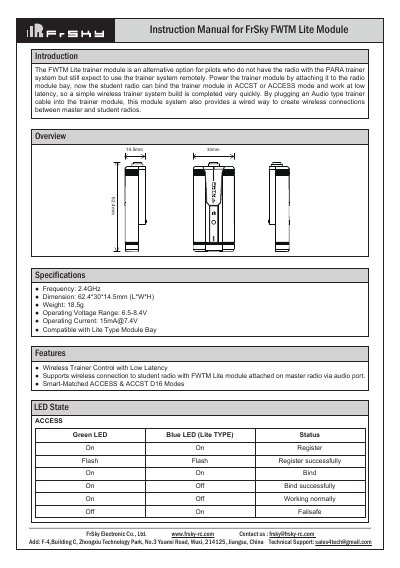
The FrSky FWTM Lite is a wireless trainer module designed for pilots who do not have a radio with an integrated PARA trainer system. It allows a student radio to bind to a master radio via the trainer module at low latency using 2.4GHz technology. The module supports both ACCESS and ACCST D16 modes.
| Frequency | 2.4GHz |
|---|---|
| Dimension | 62.4*30*14.5mm (L*W*H) |
| Weight | 18.59g |
| Operating Voltage Range | 6.5-8.4V |
| Operating Current | [email protected] |
The module supports Smart-Matched ACCESS & ACCST D16 Modes.
Set the master radio to [Reg] mode, press and hold the binding button on the module while turning on the master radio, then select [Bind] on the student radio.
Yes, by plugging an Audio type trainer cable into the trainer module, you can create wireless connections between master and student radios via a wired link.