
R9 MM-OTA is a wireless receiver that supports 4/16 channels, S.Port and F.Port interfaces, and can be paired with FrSky ACCESS protocol transmitters.
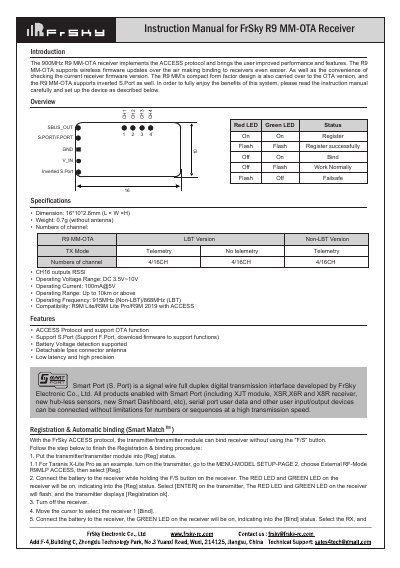
The FrSky R9 MM-OTA receiver implements the ACCESS protocol and supports wireless firmware updates over the air (OTA). It features a compact design and supports inverted S.Port for connecting various user input/output devices without limitations on numbers or sequences. The device operates at 915MHz (Non-LBT) or 868MHz (LBT) with a range of up to 10km or above. This manual is written in Chinese.
| Dimension | 16*10*2.8mm (L × W ×H) |
|---|---|
| Weight | 0.7g (without antenna) |
| Numbers of channel | 4/16CH |
| Operating Voltage Range | DC 3.5V~10V |
| Operating Current | 100mA@5V |
| Operating Range | Up to 10km or above |
| Operating Frequency | 915MHz (Non-LBT)/868MHz (LBT) |
Put the transmitter into [Reg] status, connect the battery to the receiver while holding the F/S button, then select [Bind] on the transmitter.
The three available failsafe modes are No Pulse, Hold, and Custom.
Go to the SD CARD menu, select the FW file, press enter, select [Flash receiver OTA], power on the receiver, and select the RX to complete the flash.