
This document is the user manual of FrSky HDZ-VTX upgrade tool, which introduces how to use the upgrade tool to flash the firmware of HDZero VTX.
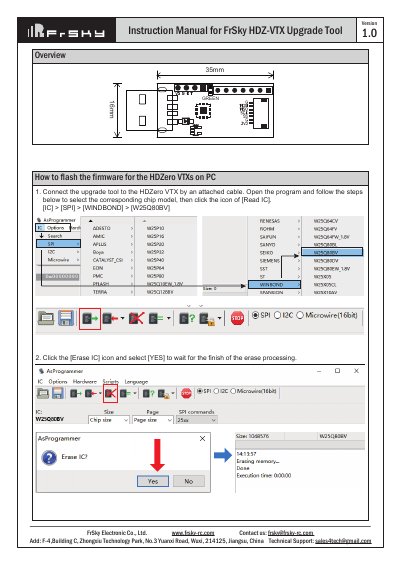
This document is the user manual for the FrSky HDZ-VTX Upgrade Tool, designed to flash firmware for HDZero VTXs on a PC. The tool connects to the VTX via a cable to perform firmware updates.
The process involves connecting the tool to the device, selecting the specific chip model (e.g., WINDBOND W25Q80BV), erasing the existing IC data, and then programming the new firmware file downloaded from the official HDZero website.
The firmware can be downloaded from https://www.hd-zero.com/document.
The tool selects the WINDBOND W25Q80BV chip model for the upgrade process.