
RX4R is a 4/24CH telemetry receiver from FrSky. It features 4 PWM outputs with extremely high precision and low latency. The latency of PWM output is 9ms less than that of X series receivers in high speed mode. RX4R features redundancy function as well, so another receiver can be added as a back-up in case the first one fails. Last but not least, the RX4R and the whole RX-line has a 40% increase in range compared to the previous X series receivers. In order to fully enjoy the benefits of this system, please read the instruction manual carefully and set up the device as described below.
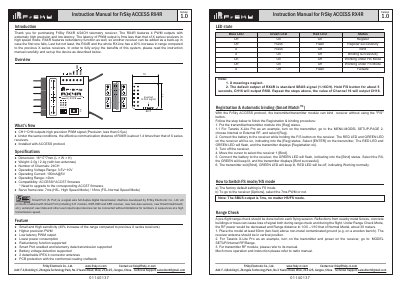
The FrSky RX4R is a high-precision telemetry receiver featuring 4 PWM outputs with low latency and redundancy support. It operates under the ACCESS protocol and offers a significant range increase compared to previous X series receivers, making it suitable for various RC models requiring reliable data transmission.
This document provides instructions on how to configure the device, switch between High Speed (HS) and Full Speed (FS) modes, perform pre-flight range checks, and set up failsafe functions. It also details the Smart Port interface capabilities and binding procedures using compatible transmitters.
| Number of Channels | 24CH |
|---|---|
| Operating Voltage Range | 3.5V~10V |
| Operating Current | 100mA@5V |
| Operating Range | >2km |
| Servo frame rate (HS Mode) | 7ms |
The latency of PWM output is 9ms less than that of X series receivers in high speed mode.
Go to the receiver [Options] menu and select whether to enable the 7ms PWM or not.
The factory default setting is FS mode (Full Speed).