
FrSky FSD is a FrSky S.Port dashboard that can display all connected sensor data and set up sensors.
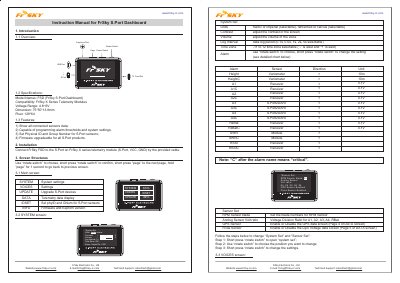
The FrSky FSD is a dashboard designed to show data from connected S.Port sensors. It features a screen with a resolution of 128x64 pixels and supports a voltage range of 4.8V to 6V. The device allows users to view telemetry data, set alarm thresholds, and configure system settings such as units and voice announcements.
| Model Name | FSD (FrSky S.Port Dashboard) |
|---|---|
| Voltage Range | 4.8~6V |
| Dimension | 75*50*13.8mm |
| Pixel Resolution | 128x64 |
It is compatible with FrSky X Series Telemetry Modules.
The device operates within a voltage range of 4.8 to 6V.
The dashboard measures 75*50*13.8mm in size.
You must short press the rotate switch to confirm your choice.