
This manual introduces the use of FrSky ARCHER GR8 and R10 PRO receivers, including the function features, usage methods, and the connection methods between the receiver and the aircraft. It helps users to quickly master the use of the receiver.
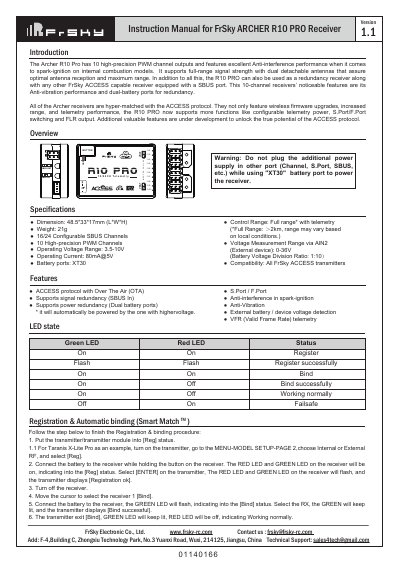
This manual provides instructions for the FrSky ARCHER R10 PRO receiver, a 10-channel device featuring the ACCESS protocol and dual detachable antennas. It details the registration and automatic binding process using compatible transmitters like the Taranis X-Lite Pro.
| Channels | 10 High-precision PWM Channels |
|---|---|
| Weight | 21g |
| Operating Voltage | 3.5-10V |
| Battery Port | XT30 |
| Compatibility | All Frsky ACCESS transmitters |
Put the transmitter into [Reg] status, connect the battery to the receiver while holding the receiver button, then select [ENTER] on the transmitter to complete registration. To bind, move the cursor to select the receiver and connect the battery again.
FS mode is the factory default, while HS mode is a 7ms setting applied only for digital servos. Using HS mode with non-digital servos may cause them to overheat.
Go to the SD CARD menu on the transmitter, select the firmware file, press enter to select [Flash receiver OTA], power on the receiver, and wait for the process to complete.