
Archer Plus RS/RS Mini receiver is the latest product from FrSky, supports ACCESS and ACCST D16 modes, and has OTA wireless firmware upgrade, increased range and telemetry performance.
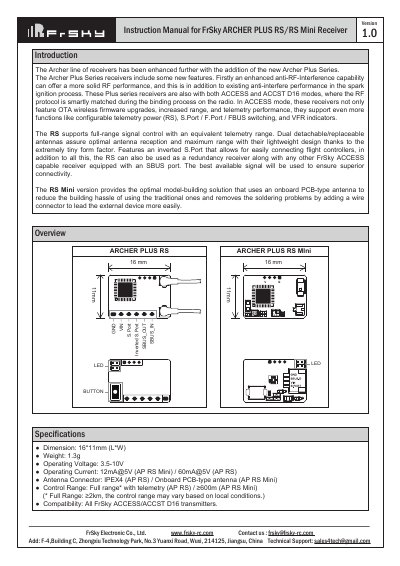
The FrSky ARCHER PLUS RS and RS Mini receivers feature enhanced anti-RF interference capabilities and support both ACCESS and ACCST D16 modes. The RS model includes an inverted S.Port for easy flight controller connection and supports signal redundancy, while the RS Mini utilizes an onboard PCB antenna to simplify installation. Both models offer Over-The-Air (OTA) wireless firmware upgrades and configurable telemetry power.
| Dimension | 16*11mm (L*W) |
|---|---|
| Weight | 1.3g |
| Operating Voltage | 3.5-10V |
| Operating Current (AP RS Mini) | 12mA@5V |
| Operating Current (AP RS) | 60mA@5V |
| Control Range (AP RS) | ≥2km |
| Control Range (AP RS Mini) | ≥600m |
The receivers support both ACCESS and ACCST D16 modes, where the RF protocol is smartly matched during the binding process.
Go to the File manager, select the FW, press the enter button, select Flash RX by int.OTA, power on the receiver, select the RX, go to ENTER, and complete the flash process.
The three failsafe modes are No Pulse, Hold, and Custom mode, which determine the receiver's behavior upon signal loss.