
This document provides instructions for the installation and usage of the NETGEAR N750 series dual-band gigabit wireless router WNDR4300, released in November 2012.
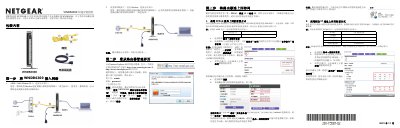
This manual provides a 5-step guide to installing and configuring the NETGEAR WNDR4300 N750 series dual-band gigabit wireless router. It covers connecting the hardware, accessing the management interface via web browser, and setting up various internet connection types including PPPoE, static IP, and dynamic IP. This manual is written in Chinese.
The default username is admin and the default password is password, with both letters in lowercase.
You must hold the reset button for about 5 seconds until the power light flashes.
The indicator light shows green when connected to a 1000Mbps device.