
The Netgear R6100 AC1200 Wireless Router User Manual provides step‑by‑step installation, configuration and usage instructions.
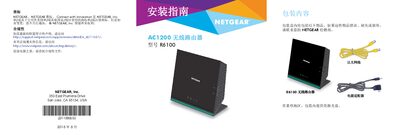
This manual guides you through unpacking the R6100 router, preparing and connecting your modem, powering the device, and linking computers via Ethernet or Wi‑Fi. It also explains how to access the router’s web interface to configure wireless settings, change passwords, and enable additional features.
Further sections cover password recovery, using the ReadySHARE USB sharing feature, and other advanced functions such as parental controls and guest access. This manual is written in Chinese.
| Wireless Speed | AC1200 |
|---|---|
| Model | R6100 |
| Power Adapter | Included |
Open a web browser, go to www.routerlogin.net, and enter the default username admin and password password.
If password recovery is enabled, visit www.routerlogin.net, click Cancel, and answer the security question to reset the password.
Plug the USB drive into the router’s USB port and access it via \\readyshare on Windows or smb://readyshare on macOS.