
Setup and use instructions for the NETGEAR NeoTV Streaming Player, including TV connection, network setup, and remote control.
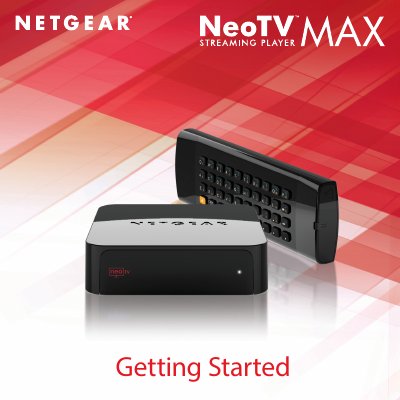
The NETGEAR NeoTV Streaming Player User Manual guides you through the initial setup, from unpacking the device to registering it online. It explains how to connect the player to a TV using HDMI or AV cables, and how to power the unit safely.
The manual also covers network configuration, offering both wired Ethernet and wireless Wi‑Fi options, and provides details on using the remote control, accessing on‑screen menus, and obtaining technical support. Compliance and recycling information are included at the end of the document.
| Video output | HDMI (supports 5.1 surround sound) |
|---|---|
| Network connection | Wi‑Fi or Ethernet |
Locate the serial number on the product label and register the device at https://my.netgear.com.
Connect an HDMI cable from the player’s HDMI port to the TV’s HDMI IN port; if the TV lacks HDMI, use the AV composite cable.