
This quick start guide shows how to set up and configure the NETGEAR R6900 Nighthawk AC1900 Wi‑Fi router.
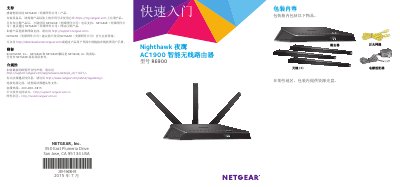
The guide walks you through unpacking the router, attaching the antennas, connecting a modem, and powering the device. It explains the LED indicators, how to attach the power adapter, and how to verify that the router is ready for use.
After the hardware is installed, you can log into the router’s web interface (www.routerlogin.net) or use the Netgear Genie app to configure Wi‑Fi settings, enable advanced features such as USB printing, iTunes server, VPN, and a personal FTP server, and change the default admin password. This manual is written in Chinese.
| Wi‑Fi bands | 2.4 GHz and 5 GHz |
|---|---|
| Ethernet ports | 4 |
| USB ports | 1 USB 3.0 |
Open a web browser, go to www.routerlogin.net, and sign in with the default username admin and password password (or your custom credentials).
Press and hold the router’s WPS button for three to five seconds, then press the WPS button on the device within two minutes; the router’s WPS LED will flash white.
The preset SSID and network key are printed on the product label; you can also view or change them via the Netgear Genie app or the router’s web interface.