
Step‑by‑step instructions for installing and configuring the NETGEAR EX6100 wireless extender, including placement, LED indicators, WPS, and web setup.
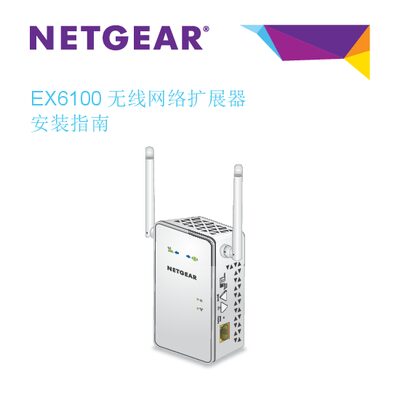
The NETGEAR EX6100 wireless extender expands the coverage of an existing Wi‑Fi network. This guide explains how to place the device, interpret its LED indicators, and switch between extender and access‑point modes.
It covers two setup methods – WPS (one‑key security) and the NETGEAR setup wizard – and shows how to access the web interface for further configuration, as well as troubleshooting and factory‑reset procedures. This manual is written in Chinese.
| Frequency band (2.4 GHz) | 2.4 GHz |
|---|---|
| Frequency band (5 GHz) | 5 GHz |
| Ethernet port | Gigabit |
The default username is admin and the default password is password (all lowercase).
Press and hold the reset hole with a straightened paperclip until the power LED flashes orange, then release and wait for the device to restart.