
The NETGEAR WNR500 user manual provides step‑by‑step setup, wireless configuration, and troubleshooting for the N150 series router.
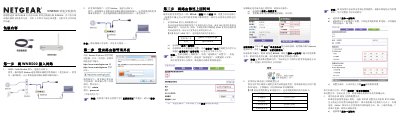
The WNR500 is a NETGEAR N150 series wireless router that offers both wired and wireless connectivity. This manual guides you through unpacking, connecting the router to a modem or directly to a broadband line, and configuring internet access.
Key sections cover internet connection types (PPPoE, static IP, dynamic IP), logging into the router’s web interface, setting or changing the wireless SSID and password, checking LED status, resetting the device to factory defaults, and basic troubleshooting steps. This manual is written in Chinese.
| LAN ports | 2 |
|---|---|
| WAN port | 1 |
| Power indicator | green when powered |
| Wireless indicator | green when wireless enabled |
The default username is admin and the default password is password (all lowercase).
Press and hold the reset button for about 5 seconds while the router is powered on, then release.
They are printed on a label on the back of the router.