
This document is the user guide for the CX400 desktop printer, providing information on the features and characteristics of the printer.
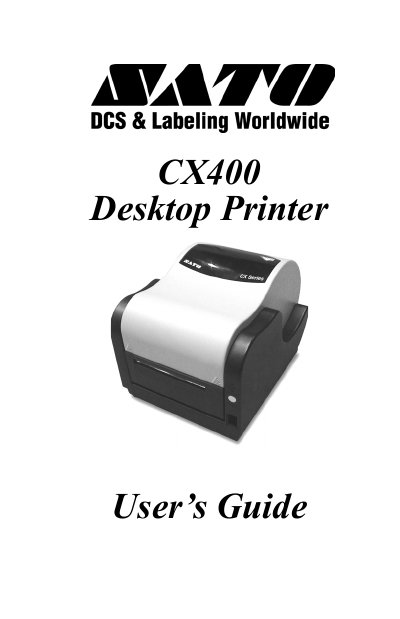
The SATO CX400 is a desktop printer designed for printing labels using either thermal transfer or direct thermal methods. The device features a print head density of 203 dpi and supports media widths up to 4.3 inches (108mm). It includes controls such as a Power Switch, FEED button, POWER indicator, and ERROR LED to monitor status and errors.
| Print Method | Thermal Transfer or Direct Thermal |
|---|---|
| Max Ribbon Length | 328 ft. (100m) |
| Print Head Density | 203 dpi (8 dot/mm) |
| Media Width | 4.3 in. (108mm) |
| Max Print Width | 4.1 in. (104mm) |
| Weight | 8.1 lbs. (3.67kg) |
The maximum print width is 4.1 inches (104mm).
The printer supports speeds of 9600, 19200, and 38400 bps with odd, even, or no parity.
Press and hold the FEED button for at least 5 seconds until the ERROR indicator is lit.