
This manual introduces the basic operations of the Scantronic HA200R series printer, including safety precautions, installation and use precautions, the names of the printer parts, power switch, paper setting, printer operation, etc.
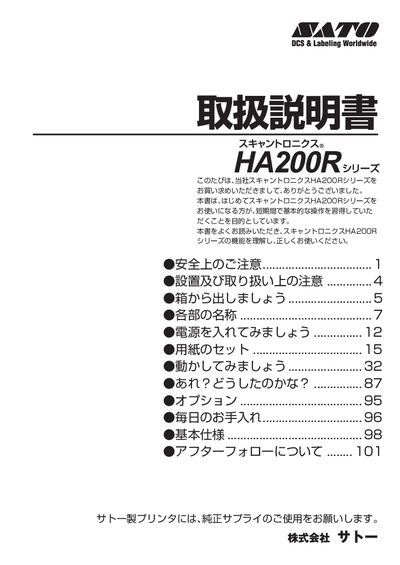
This manual is intended for first‑time users of the Sato HA200R series printer. It explains safety precautions, proper installation, and basic operation so users can quickly become familiar with the device.
The guide covers unboxing, checking accessories, connecting the power and earth wires, loading paper, handling the thermal head, routine cleaning, and what to do in case of faults or warranty service. This manual is written in Japanese.
| Power Supply | AC 100V |
|---|
The printer requires an AC 100 V power source.
No, only the power cord supplied with the printer may be used.