
Key facts
- Brand
- SATO
- Model
- CX400
- Industry
- Electronics
- Documents
- 2
- Languages
- EN
- Last added
- 2022-12-29
Start here
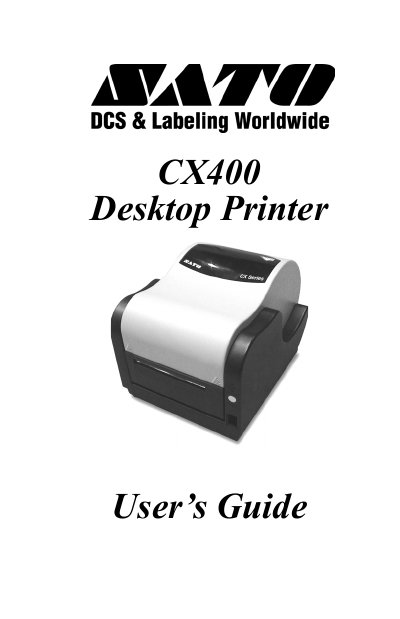
SATO CX400 Desktop Printer User's Guide
User Manual 26 pages · 1.1 MB · EN
The SATO CX400 is a desktop printer designed for printing labels using either thermal transfer or direct thermal methods. The device features a print head density of 203 dpi and supports media widths up to 4.3 inches (108mm). It includes controls such as a Power Switch, FEED button, POWER indicator, and ERROR LED to monitor status and errors.
Read onlineSATO CX400 specifications
| Print Method | Thermal Transfer or Direct Thermal |
|---|---|
| Max Ribbon Length | 328 ft. (100m) |
| Print Head Density | 203 dpi (8 dot/mm) |
| Media Width | 4.3 in. (108mm) |
| Max Print Width | 4.1 in. (104mm) |
| Weight | 8.1 lbs. (3.67kg) |
All SATO CX400 documents by type
User Manual 2
Day-to-day operation, settings and troubleshooting. Start here if the product is already set up.
Questions answered in these manuals
What is the maximum print width of the CX400?
The maximum print width is 4.1 inches (104mm).
What are the supported serial port parameters?
The printer supports speeds of 9600, 19200, and 38400 bps with odd, even, or no parity.
How do I print a self‑test label?
Press the FEED button while the printer is powered on to print a test label.
What cable is required for serial connection?
A null‑modem cable (pins 2‑3 and 7‑8 crossed) is required for serial connections to a PC.