
This manual details the ESC/POS command set for SATO thermal printers, covering print positioning, fonts, barcodes, graphics, and system functions.
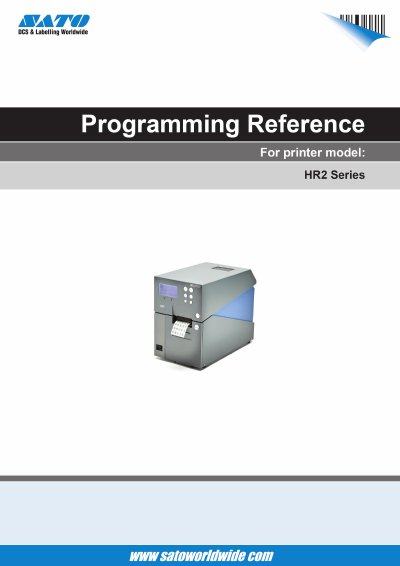
This document serves as a comprehensive reference guide for the ESC/POS command language used in SATO HR212 and HR224 thermal printers. It provides detailed instructions on how to control printer operations through specific hexadecimal commands.
The manual is organized into sections covering default settings, font selection (including bitmap and outline fonts), barcode generation (1D and 2D codes), graphic printing, memory card management, and advanced system functions such as internal buffer handling and LCD display control.
| Print speed range | 1.0 to 4.0 inch/sec (25mm to 100mm/sec) |
|---|---|
| Default print speed | 2.0 inch/sec (50mm/sec) |
| Supported fonts | Bitmap and Outline fonts including X20-X24, OCR-A/B, Kanji, CG Times/Triumvirate |
Use the ESC+I@ command to initialize the internal buffer, optionally specifying a buffer number.
Yes, you can prohibit displays from the printer using the ESC+IY command to start exclusive use.