
This manual introduces the installation and operation of Amano Cincinnati, Inc. TCX-85 Atomic Time Clock.
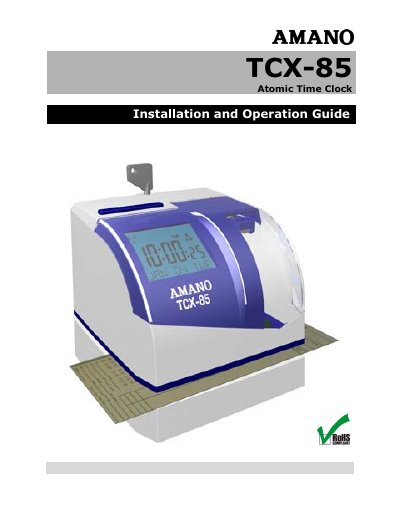
The Amano TCX-85 is an atomic, radio-controlled time clock that receives time code signals through a built-in antenna and can also keep time using a quartz mechanism. It is an electronic time recorder/stamp that responds to American English voice commands for functions such as setting the time and changing print formats.
This installation and operation guide provides quick-start instructions, button and voice programming procedures, print format and daylight saving settings, wall mounting steps, ribbon cartridge replacement, error messages, cleaning information, and specifications.
| Quartz accuracy | plus or minus three seconds per week |
|---|---|
| FCC classification | Class A digital device |
| Atomic signal availability | Not available in HI and AK |
| Print formats | six (6) pre-configured print formats |
It keeps time using its quartz mechanism, accurate to plus or minus three seconds per week.
The atomic clock feature is not available in Hawaii and Alaska.
The clock has six pre-configured print formats to select from.
Yes. Unlock and remove the cover, then say “Hello Clock” to begin voice programming.