
This document is an operating instruction for the multi-function printer KX-MB1500, describing the features and characteristics of the product.
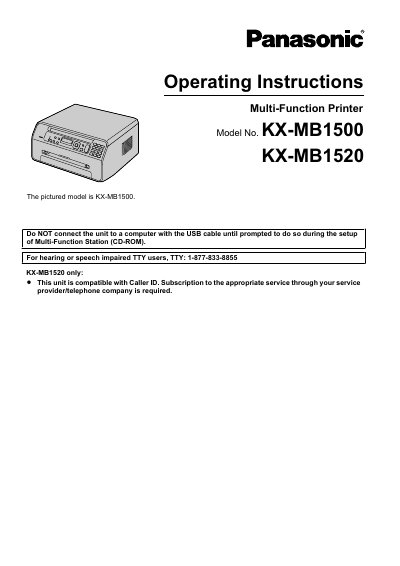
This manual provides operating instructions, safety guidelines, and setup procedures for the Panasonic KX-MB1500 and KX-MB1520 Multi-Function Printers. It covers installation, connections, and initial setup steps.
The document includes detailed sections on using the printer, scanner, and copier functions, as well as specific guidance for the fax features available on the KX-MB1520 model. It also provides troubleshooting, cleaning, and maintenance information.
| Laser Output | Max. 10 mW |
|---|---|
| Laser Wavelength | 760 nm - 800 nm |
| CIS LED Light Wavelength (Red) | 630 nm typical |
| Toner Cartridge Model | KX-FAT407 |
The power should be left ON for a minimum of 30 minutes after printing.
Genuine Panasonic toner cartridge (Model No. KX-FAT407) is recommended for optimal performance.
Do not expose the toner cartridge to light for more than 5 minutes.