
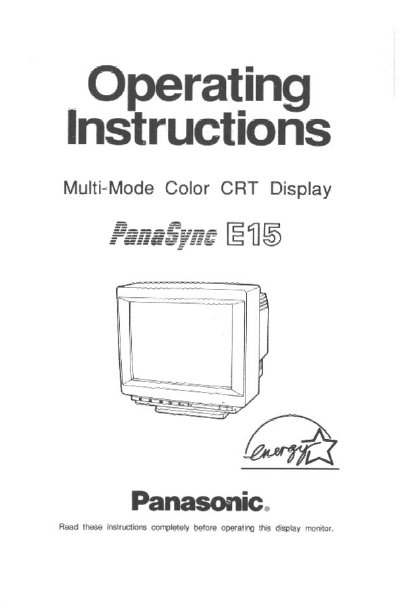
This document provides operating instructions for the Panasonic E15 Multi-Mode Color CRT Display. It includes safety precautions, installation guidelines, and care instructions to ensure the longevity of the unit. The monitor features a 15-inch screen with a flat-square design and supports multiple video modes including VGA, VESA, and MAC resolutions.
| CRT Screen Size | 15" (14.0" Viewable Image Size) |
|---|---|
| Dot Pitch | 0.27 mm |
| Video Bandwidth | 75 MHz (Typical) |
| Max Resolution | 1,024 dots X 768 lines 75 Hz |
| Power Consumption (On) | 100 Watts (Typical) |
| Power Consumption (Stand-by) | <30 Watts |
| Operating Temperature | 32 to 95 degrees F (0 to 35 degrees C) |
Yes, it is equipped with a three-step Power Management System (PMS) that complies with VESA DPMS and EPA Energy Star guidelines.
Yes, the Tilt & Swivel Base allows for a tilt up of 13 degrees, tilt down of 4 degrees, and 180 degrees of rotation.