
Panasonic DP-8060/8045/8035 Digital Imaging Systems Operating Instructions (For Copy & Function Parameters)

This document provides operating instructions for the digital imaging system model DP-8060 / 8045 / 8035, including copying and function parameters. It also reminds users to carefully read this manual before operating the machine and keep it in a safe place for future reference.
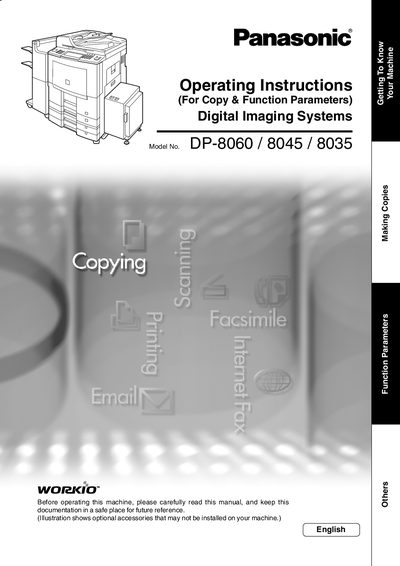

Panasonic DP-8060/8045/8035 Digital Imaging Systems Operating Instructions (For Copy & Function Parameters) - cover page
Brand
Panasonic
Category
copier
Document type
User Manual
Language
English
Pages
92
File format
PDF
File size
5.9 MB
Published
08 August, 2012
Updated
28 September, 2023
MD5 checksum
0059E6F6CE5A32152C308E158D03976D

About this manual

This manual provides essential operating instructions for the Panasonic Digital Imaging Systems models DP-8060, DP-8045, and DP-8035. It covers basic operations such as making copies with various ratios, selecting original types like heavy paper or books, and performing 2-sided copying. The guide also explains how to use proof copy functions and manage job queues.

What's inside

  • Getting To Know Your Machine
  • Copying the Same Size Originals (1:1)
  • Selecting the type of Original(s)
  • Copying with Preset Ratios (Reduction/Enlargement)
  • Proof Copying
  • 2-Sided/Original to Copy
  • Book = 2-Sided Copy
  • Zoom/Effects
  • Stamping (Page Numbering, Date Stamp)
  • File Edit

Frequently asked questions

What is the maximum number of copies allowed?

The manual states that the maximum number of copies is 999.

Can I copy on heavy paper like post cards?

Yes, you can select HEAVY PAPER for copying on items such as Post Cards up to a maximum of 35 lb.

Download PDF (5.9 MB)

More Panasonic Manuals


View all Panasonic manuals →